Five checks, in this order
These checks cover an embedded chat camera not working on the random video call home page, whichever browser you use, on a phone or a computer.
Still dark after all five? Test the chat in a second browser on the same device. A working picture there points back to the first browser's settings.
Why does the browser ask first?
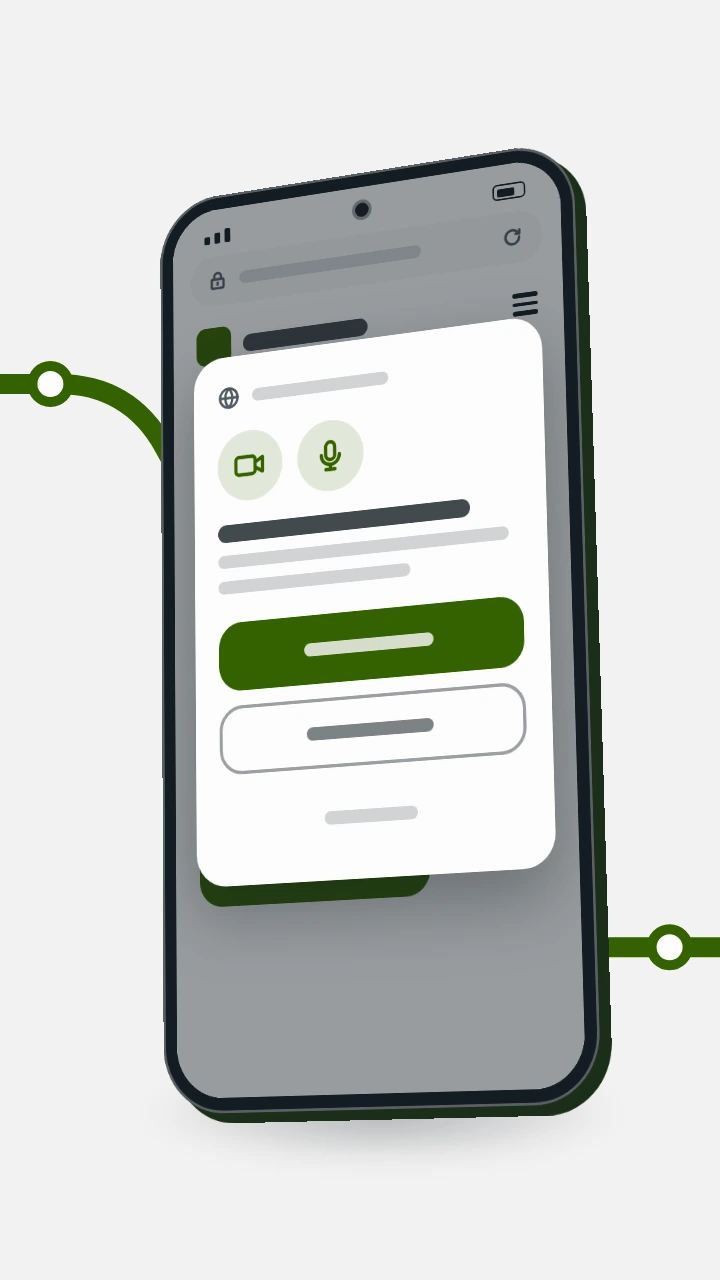
No website receives your camera or microphone until you allow it. The browser itself also needs permission from your device.
Every decision can be reversed later in the site settings. Allow only sites you trust. Before the first call, read what keeps calls with strangers safe.
Camera allowed? Then the next call can start. Open the chat